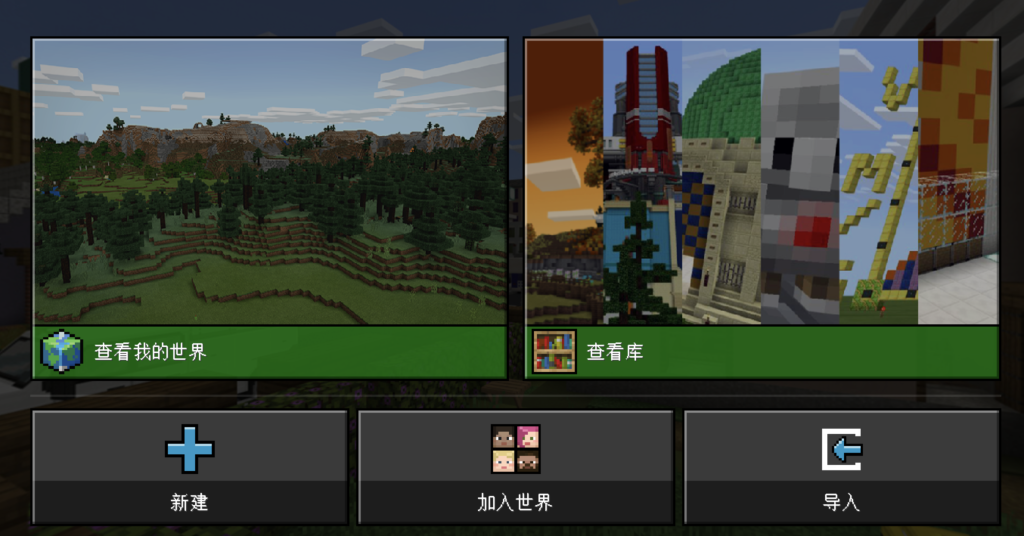
中文版-如何导入世界
1.在 Minecraft 开始屏幕中,单击“游戏”
2.然后,单击播放屏幕上右下方的“导入”按钮
3.找到 .mcworld 文件,选择后将其导入。
How to import world file to Minecraft?
- From the Minecraft start screen, click “PLAY”
- Click the icon that reads “IMPORT” on the Play screen
- Find the .mcworld file and select it to import.